
Just Flip A Coin Online
Current Session
Global Stats
Quick Coin Flip Tools – Custom coin Flip, 3 Sided Coin Flip, Google Coin Flip, Siri Coin Flip, Yes or No coin flip,
Pure heads or tails — no distractions, instant result, shareable link ready the moment it lands.
How to Flip a Coin Online
There’s something satisfying about flipping a coin. It’s quick, it’s fair, and it takes the pressure off a decision in seconds. But what do you do when you don’t have a coin in your pocket? That’s exactly where this tool comes in.
Flipiffy’s online coin flip is designed to do one thing really well — give you a fast, random, heads or tails result without any fuss. No app to download, no account to create, no waiting around. Just open the page, hit the button, and you’ve got your answer.
Here’s a complete walkthrough of how to use it, what everything on the page means, and how to get the most out of it.
Step 1 : Find the Coin on the Page
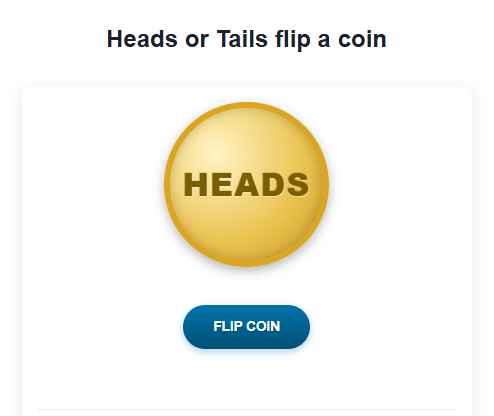
When you land on this page, the first thing you’ll see is a large gold coin sitting in the center of the screen. It’s showing HEADS by default — that’s just the starting position before any flip has happened.
You don’t need to do anything to set it up. There are no settings to configure, no options to choose between, and no “mode” to select. The tool is ready to go the moment the page loads.
Step 2 : Make Your Call (Heads or Tails?)
Before you hit the button, decide which side you’re calling. This is important — the whole point of a coin flip is that you commit to a side before the result is revealed.
If you’re using the flip to settle something with another person, have each person call their side out loud first. One person takes heads, the other takes tails. Then, and only then, you flip.
If you’re using it for a personal decision — say, trying to choose between two options — assign one option to heads and the other to tails before you press anything. Don’t flip first and then decide what each side means. That defeats the purpose entirely.
Step 3 : Press the “Flip Coin” Button
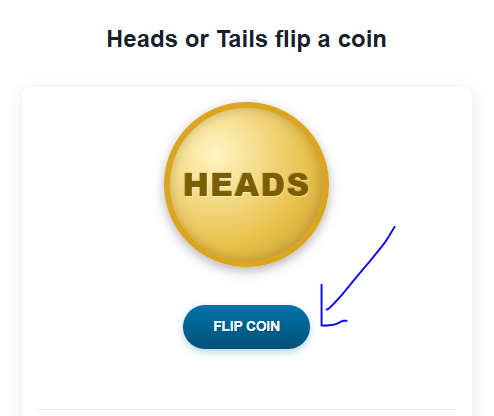
Once you’ve made your call, hit the big FLIP COIN button below the coin.
A few things happen immediately:
- The button greys out and changes to say “Flipping…” — this stops you from clicking again mid-animation
- A coin flip sound plays (a satisfying clink, just like a real coin)
- The coin starts spinning with a smooth 3D animation, zooming in as it rotates
The animation lasts about three seconds. This isn’t just for show — the brief pause builds a little tension, which makes the reveal feel more like a real coin toss than just a number appearing on a screen.
Step 4 : Read the Result
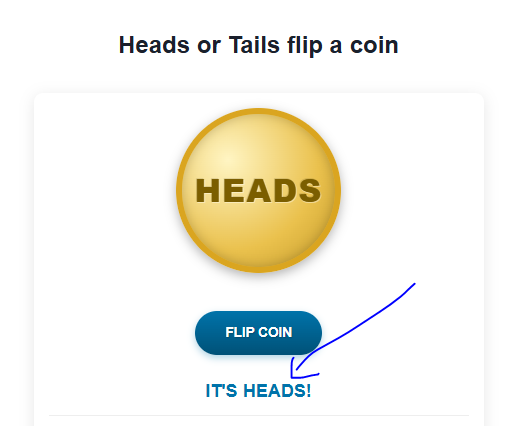
After the coin finishes spinning, two things happen at once:
- The coin settles on either HEADS or TAILS, showing the correct face
- A result message appears below the coin — either “IT’S HEADS!” in blue or “IT’S TAILS!” in red
That’s your result. Clear, immediate, and impossible to misread.
If you’re settling something with another person, whoever called the correct side wins. If you were using it for a personal decision, the coin has spoken — go with it.
Step 5 : Share your coin flip results via sharable link
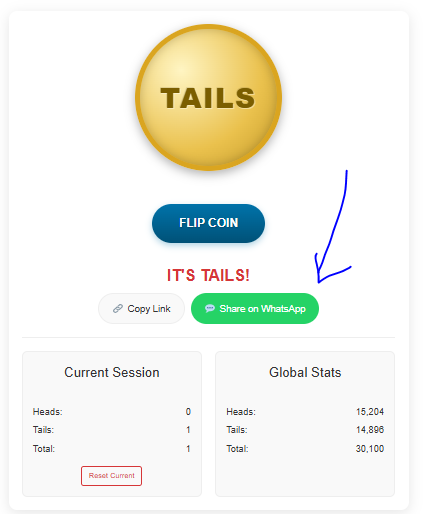
Flipiffy has the options to share your results with friends or others
Step 6 : Check Your Session Stats
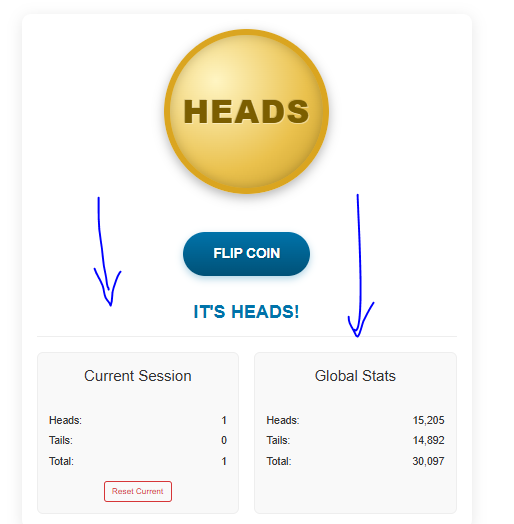
Below the button, you’ll notice a stats panel split into two boxes: Current Session and Global Stats.
The Current Session box tracks every flip you’ve made since you opened the page. It counts how many times heads has come up, how many times tails has come up, and the total number of flips. This resets when you refresh the page or close the tab.
This is genuinely useful if you’re doing more than one flip. For example:
- If you’re playing a game that requires multiple coin flips, you can track the running score right here without keeping a mental tally
- If you’re testing randomness out of curiosity, the session tracker lets you see how close to 50/50 your results are over time
- If you’re a teacher or student demonstrating probability, the counter gives you a clean record of your experiment without needing pen and paper
The Global Stats box shows the combined total of all flips made using this tool across all users. It’s a fun reference point — you can see that across tens of thousands of flips, the results stay remarkably close to an even split between heads and tails. That’s randomness working exactly the way it should.
How to Reset Your Session

If you want to start your tally fresh without refreshing the whole page, hit the small Reset Current button inside the Current Session box. This zeros out your heads, tails, and total count and lets you start a new tracking session immediately.
This is useful if you’ve finished one game or experiment and want to start another, or if you just want a clean slate mid-session.
How to Flip Again?
After each result, the FLIP COIN button reactivates automatically. Just press it again for another flip. Each result is completely independent from the last — there’s no pattern, no memory, and no streak that makes one outcome more or less likely than the other.
Every single flip is a fresh 50/50 chance. Heads doesn’t become “due” after a run of tails. The coin doesn’t remember anything. That’s what makes it genuinely fair.